
Pumi Dresses Up the Screen: Make a Phone Wallpaper from Stickers
Your phone screen is the thing you look at most every day. Let’s dress it up with your favorite stickers without covering the clock or icons.
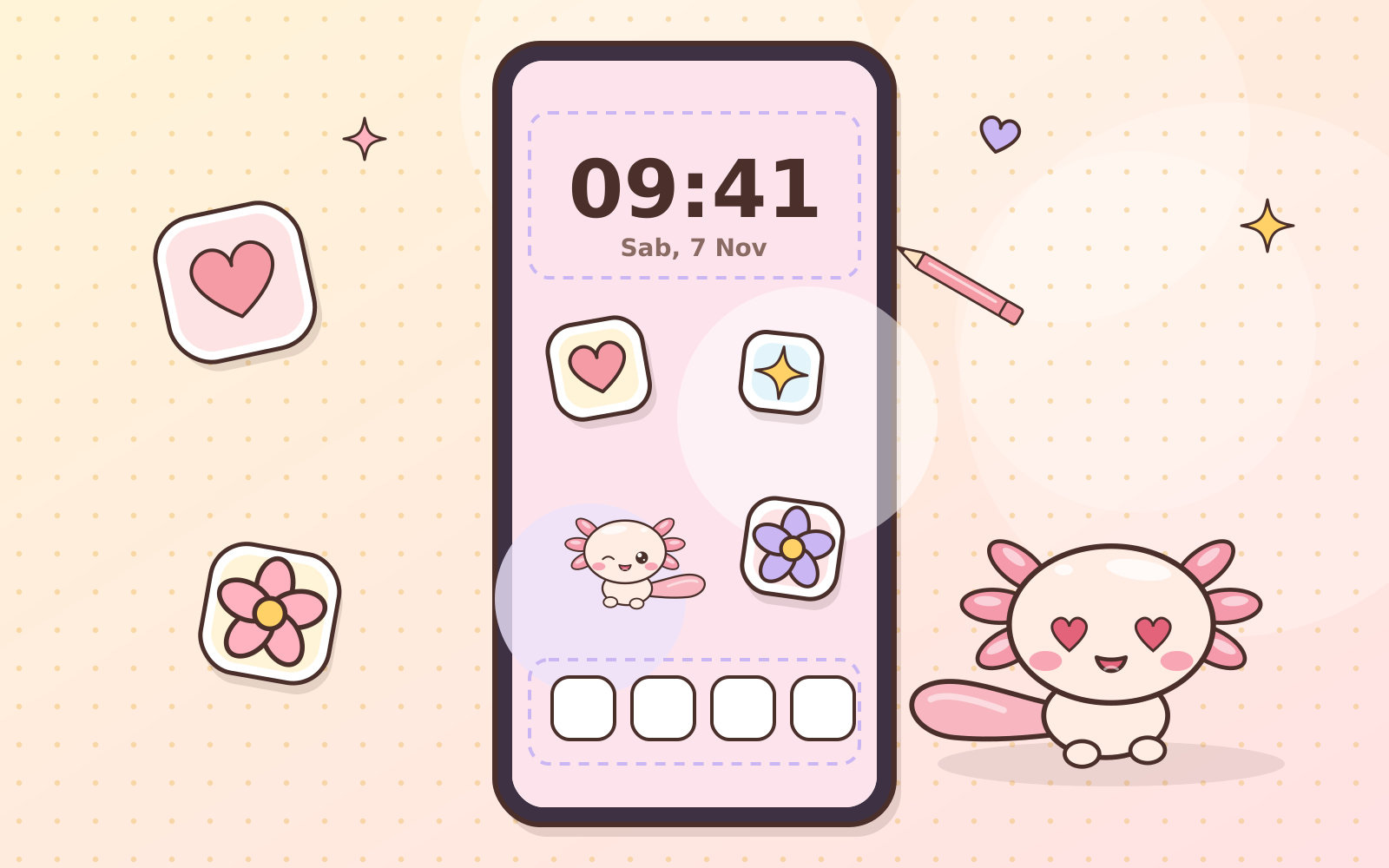
Hi, it’s Pumi! Try counting how many times a day you turn on your phone screen. Lots, right? It’d be a shame if the wallpaper were plain. Let’s dress it up with stickers! 📱
1. Find your screen size
The easiest way: take a screenshot on your phone, then check its size in the photo details (for example 1080 × 2400 pixels). Use that size for your canvas so the result fits perfectly and looks sharp.
2. Set up the canvas
Open your favorite design or drawing app (Canva, Ibis Paint, or a notes app that can export images), create a canvas the size of your screen, and fill it with a soft base color. Pastel colors make stickers pop and keep icons easy to read.
3. Mind the safe areas
- The top holds the clock, date, and notifications on the lock screen.
- The bottom holds the row of icons and shortcut buttons.
- The middle of the home screen is usually full of app icons.
So place stickers along the edges or in empty space. Want more fun? Make two versions: a sticker-packed lock screen and a calmer home screen.
4. Place stickers, leave some room
Use transparent PNG stickers so there’s no white box around them (read Transparent PNG: Why Digital Stickers Use This Format). 3–5 stickers are plenty. Tilt them a little for a relaxed look, and leave some empty space so it’s easy on the eyes.
5. Save and set it
Export as PNG or JPG at full size, open it in your gallery, then choose set as wallpaper.
A wallpaper for your own phone counts as personal use, so it’s allowed. What’s not allowed is sharing the sticker files with other people (see What Can I Use Digital Stickers For?).
Every time your screen lights up, may there be something that makes you smile. Happy screen decorating! 🌸
 Have a suggestion or critique for Pumiland?