
Digital Stickers for Chat: Make Conversations Livelier
The right sizes for WhatsApp and Telegram, plus a little sticker etiquette for chats.
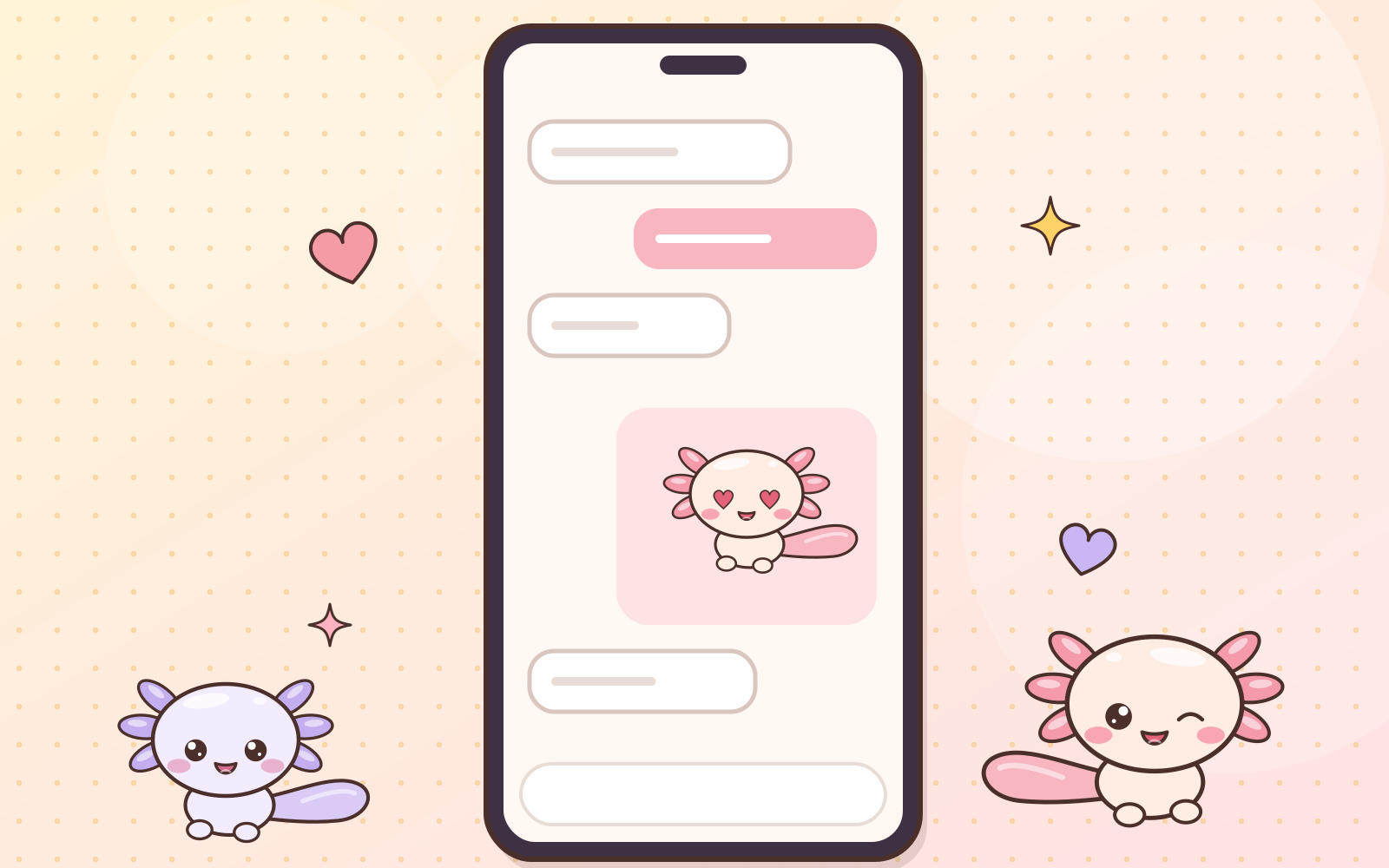
Sometimes one sticker says more than a whole paragraph. Here’s what to know before using your own stickers in chat apps.
- WhatsApp stickers are 512 × 512 pixels with a transparent background, in WebP format.
- A pack needs at least 3 stickers and a small tray icon.
- The easiest way: use a sticker maker app (search “sticker maker” in your app store) and add your PNG files. The app resizes and converts them for you.
Telegram
- Telegram static stickers use PNG or WebP with the longest side at 512 pixels.
- Sticker packs are created through Telegram’s official @Stickers bot. Just follow the bot’s steps.
Making stickers look good in chat
- Leave a little empty space around the art so nothing gets cropped.
- A white outline helps stickers stand out in both dark and light themes.
- Clear expressions read better at small sizes. That’s why Pipin is our emote star!
A little etiquette
- Stickers from Pumimart are yours to use in your personal chats.
- But please don’t share the sticker files or packs with others, since that’s the same as giving the product away. If your friends like them, invite them to Pumimart! 💌
Full details in What Can I Use Them For?
 Guides · 9 min read
Part of the guide
The Complete Beginner’s Guide to Digital Stickers
Read the full guide →
 Have a suggestion or critique for Pumiland?