
Transparent PNG: Why Digital Stickers Use This Format
Why do stickers sometimes show up with a white box? Meet PNG, JPG, and WebP in five minutes.
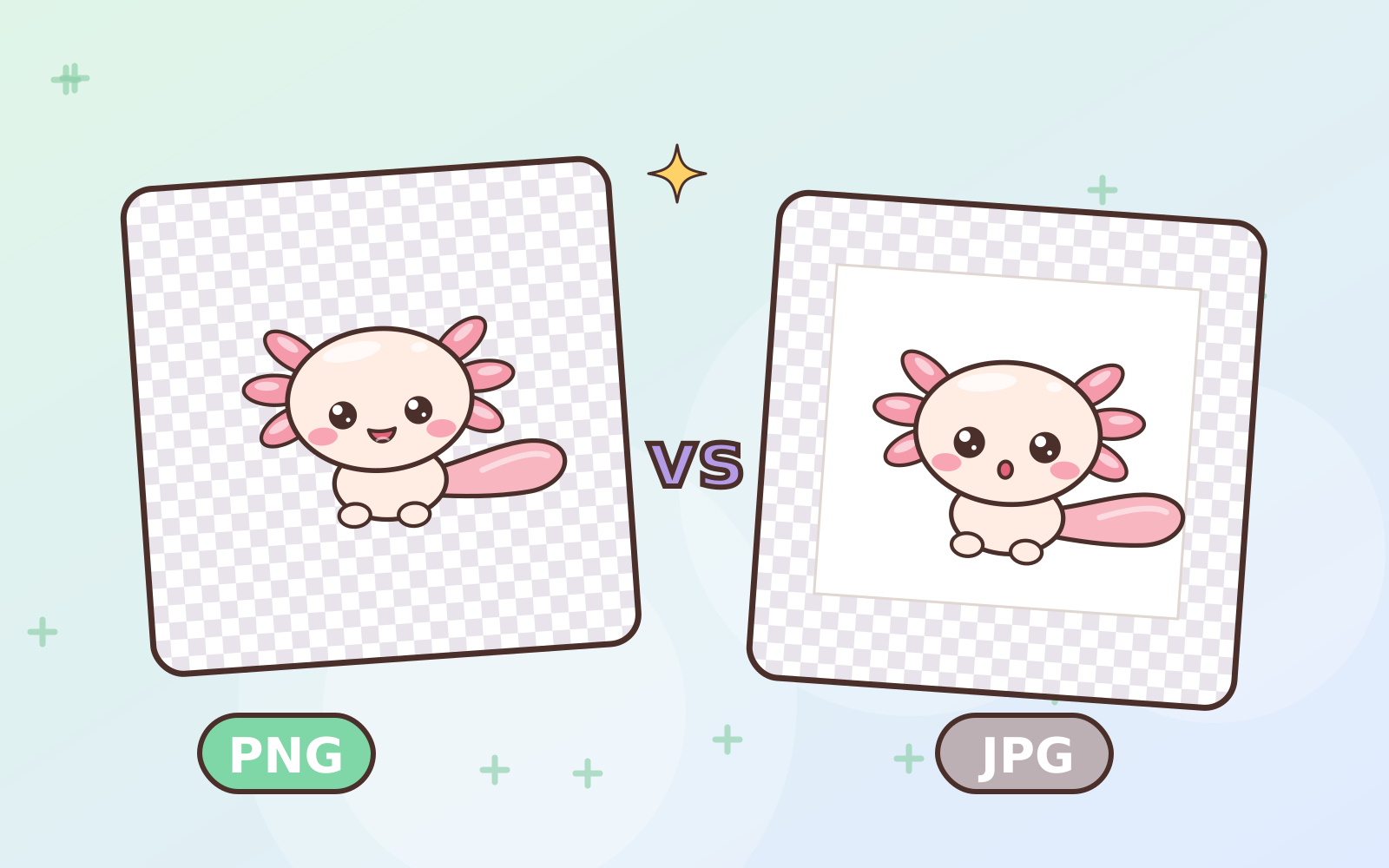
Ever placed a sticker in your notes and found a white box around it? The problem is usually the file format.
What is transparency?
Digital images are made of pixels. Some formats can store an extra piece of information for each pixel: how see-through it is. Transparent areas show whatever is behind them, whether it’s notebook lines, a photo, or a background color.
In drawing apps, transparent areas usually appear as a grey and white checkerboard. Those squares aren’t part of the image!
Comparing formats
- PNG: full transparency support and no quality loss when saving. The best fit for stickers.
- JPG: no transparency. Empty areas get filled with a color, usually white. Great for photos, not stickers.
- WebP: a modern format with transparency and small file sizes. Used for WhatsApp stickers.
- GIF: supports transparency but only “on or off”, so edges can look jagged.
Careful, PNGs can turn into JPGs
Some apps, photo galleries, or chat transfers compress images and convert them to JPG, and the transparency disappears. To stay safe:
- Keep stickers in the Files app or a folder, not only in your photo gallery.
- Send them as a document/file, not as a photo, when moving them to another device.
- Import straight from the original file.
All stickers at Pumimart are high-resolution transparent PNGs, ready to place anywhere. ✨
 Guides · 6 min read
Part of the guide
Sticker Sizes for WhatsApp, LINE, Telegram, Discord & Twitch: The Complete 2026 Guide
Read the full guide →
 Have a suggestion or critique for Pumiland?