
Make a Digital Greeting Card with Stickers
A friend’s birthday, a thank-you, or just a “you’ve got this!”. A sweet card can be ready in 15 minutes.
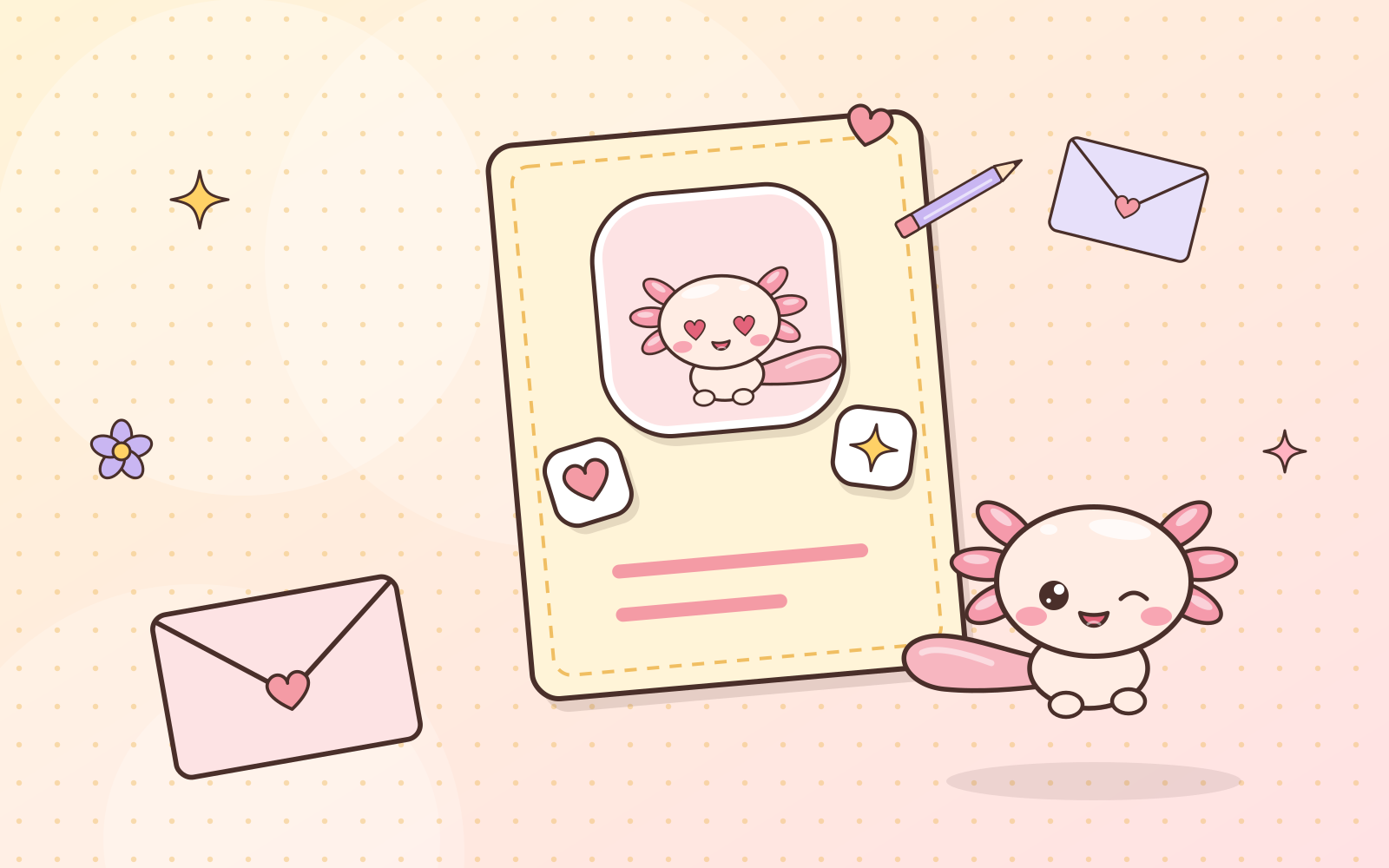
A greeting card doesn’t have to be printed and posted. A homemade digital card sent over chat still feels special, because your effort is in it. 💌
What you need
- Any drawing or design app (Canva, ibisPaint, Procreate, even GoodNotes)
- 3–4 transparent PNG stickers
- One heartfelt line
Steps
- Pick a canvas size. For chats or social feeds, 1080×1350 px (portrait) fits phone screens nicely. Want to print it too? Use a postcard size at 300 DPI.
- Fill the background with a soft color or a simple pattern. A busy background drowns out stickers and text.
- Add one big sticker as the star, like Pumi holding a cake. Place it slightly off to the side, not dead center.
- Add 2–3 small stickers (stars, hearts, flowers) around the empty space to balance it out.
- Write your message in big, easy-to-read letters. Keep it short, one or two sentences.
- Save as PNG or JPG, then send it. Done! 🎉
Make it extra memorable
- Use their name and mention one little thing about them. The card feels made just for them, not copy-pasted.
- Leave some empty space. Roomy cards look neater and more polished.
- Try an animated version. Some apps can save a GIF or short video. Even a slightly wiggling sticker is super cute!
Cards you make for friends and family count as personal use, so you’re all good. If you plan to print, check the size & DPI guide first.
The cards people remember aren’t the fanciest ones, but the ones that feel “so you”. 💕
 Have a suggestion or critique for Pumiland?